Live collaboration, annual pricing, and an AI tutor in Learn
Share a project and edit it together in real time, pay yearly if you prefer, and get circuit-aware hints in Learn lessons. Free-plan limits also went up.
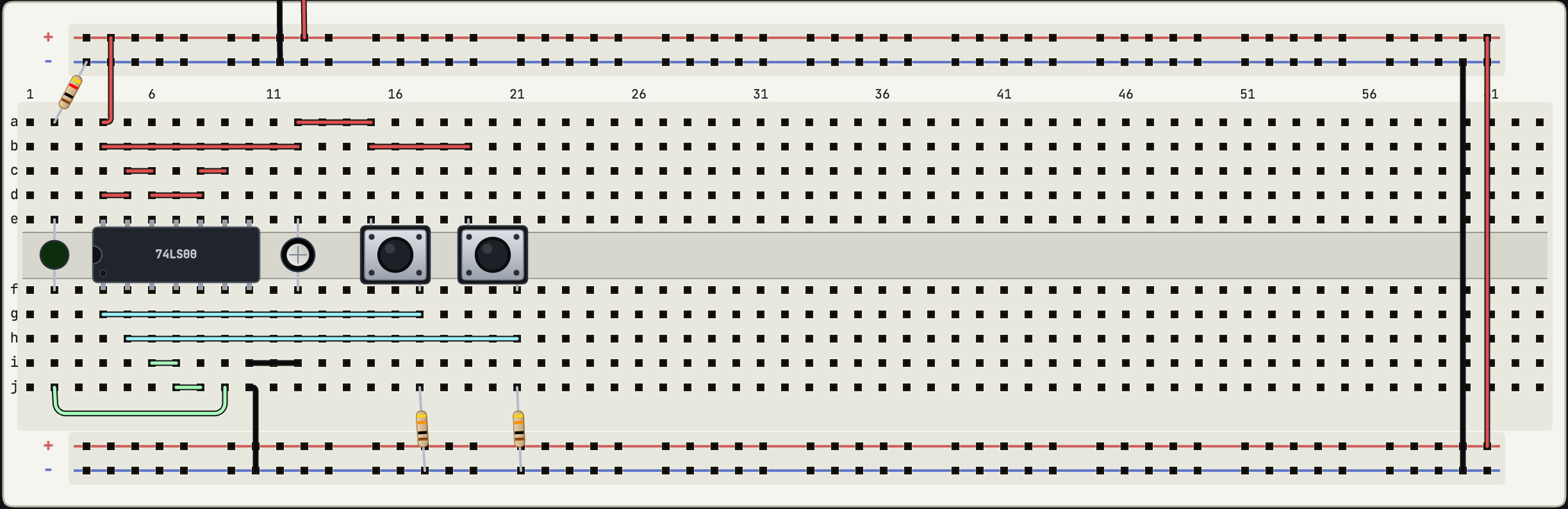
Three things went live today: real-time collaboration on shared projects, an annual Pro plan, and an AI tutor inside Learn lessons. The free plan also got roomier.
Edit the same circuit together
Pro project owners can now invite people by email or with a link, each invite scoped to a role. Owners manage members and can transfer ownership, editors get full editing with save and version restore, and viewers can pan, run the simulation, operate switches and potentiometers, export a PNG, and comment, without being able to change or save anything.
Co-editing is genuinely live: you see other people's cursors and selections, edits merge without overwriting each other, undo works per person, and if someone loses their connection and rejoins, their offline changes merge back in. It stays comfortable at around four simultaneous editors.
Only the owner needs Pro. Invited collaborators on the free plan join at no cost, work under the owner's plan limits inside that project, and shared projects do not count against their own project cap. If an owner's Pro lapses, existing collaborators keep access; the owner just cannot create new invites.
Comments come along with this: pin a comment to a component, wire, or pin from the right-click menu, resolve or reopen it, and jump to the part it refers to. A toolbar toggle shows the unresolved count. One boundary worth knowing: accounts enrolled as Learn students cannot send or accept collaboration invites, and the terms require 16+ for collaboration.
Annual pricing
Pro is A$6.99 a month, and now also A$69 a year, which works out to two months free. Subscriptions renew until cancelled, and the billing page routes an existing subscriber to the billing portal instead of letting you double-subscribe by accident.
An AI tutor in Learn, on your terms
Pro members see a Get an AI hint button next to the lesson objective. It reads a snapshot of your actual circuit at the moment you click and returns a short Socratic hint about your specific mistake, sixty words or fewer, rather than generic lesson text. Nothing is sent while you work, the objective checker itself runs entirely in your browser, and no conversation history is stored. If the AI hint cannot be produced for any reason, the authored hint appears instead. The hand-written "Need a hint?" disclosure stays available to everyone, on every plan.
The free plan got bigger
Free accounts now keep 5 cloud projects (up from 3) and 100 components per saved circuit (up from 30). You can always open and edit a circuit locally regardless of size; limits apply when you save, export, or share, and the prompt names exactly what was blocked. Two days after this release the free tier picked up its proper name, Hobby, which is what you will see across the app today.
Plan details and the full comparison live at docs.devoltapp.com/pricing, and the collaboration workflow is documented at docs.devoltapp.com/user/collaboration.