A precision-instrument polish pass, and two Pro features go free
Menus with visible shortcuts, real dialogs everywhere, a decluttered scope toolbar, switches that toggle without hijacking your selection, and differential probes plus net renaming for everyone.
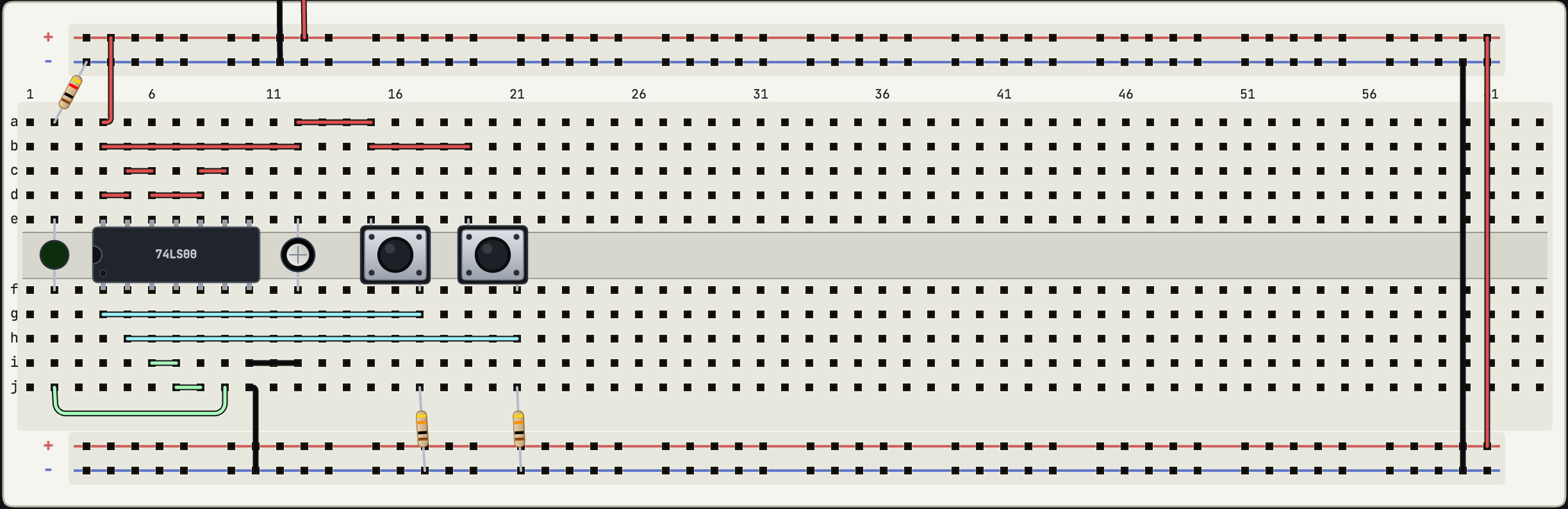
This release is a few hundred small decisions about feel, aimed at one idea: the editor should behave like a precision instrument. Two Pro gates also open for everyone.
Differential probes and net renaming are now free
Every plan, including guests, can add a differential probe (channel A minus channel B, counted as one channel) and rename nets with the pencil next to any channel. Renames follow the net everywhere: channel list, node highlight labels, exports. The scope channel caps are unchanged at 4 for Hobby and guests, 16 for Pro, and the analysis workbench tabs (Logic, Captures, Operating point, Sweeps) remain Pro.
Menus and dialogs that respect your hands
Toolbar menus now show their keyboard shortcuts on the right edge, read from your actual keybindings, with the platform's own modifier key. View-menu toggles are stable names with checkmarks (Oscilloscope, Multimeter, All labels, Auto-route wires) instead of relabelling themselves. And every browser popup is gone: rename, restore, delete, and save-conflict flows all use proper in-app dialogs with focus handling, Escape to close, and your place restored afterwards.
A scope toolbar you can scan
The scope header went from roughly ten controls to four: acquisition mode (Roll or Trigger, with one-line descriptions), the time window, freeze, and one display-settings menu that holds vertical range, measurements, front-end noise, clear, and save capture. Every choose-a-value control shows a small label above its current value, so TIME 5 s reads as what it is, and the speed control in the main toolbar finally says SPEED ×1 instead of a bare ×1 that half of testers read as zoom. Cursors moved down next to the Δt and ΔV readouts they produce, and the multimeter toggle moved into the Analysis rail header, with the instruments it belongs to.
Switches toggle, bodies select
Clicking a switch's actuator (the slide knob, a tact button's plunger, a DIP rocker) now flips the switch without selecting the part, so the Inspector stops popping open every time you operate your own circuit. Clicking the rest of the body selects as usual, shift-click always selects, and dragging still moves the part from anywhere. Embedded and read-only views keep whole-part toggling.
The bench looks sharper
The signal generator was repainted as a proper flat, top-down pocket instrument with a readout window and controls, in place of art that faced the wrong way entirely, and its click target now matches its true size. The palette's "+" button places the part in real, visible free space (it used to search a spiral that a centred breadboard defeated every time), and the camera zooms out to fit when something big lands. Wheel zoom eases and stays anchored under the cursor, placed parts settle into their holes with a small animation, deletions fade out, and if you prefer reduced motion, everything collapses to instant.
Fixes and improvements
- Light mode: active tabs, hover states, and instrument buttons are legible again.
- The simulator has proper branded error and not-found pages.
- Learn picked up copy buttons for join codes and invite links.
- The Inspector's Environment section shrank from a gauge stack to compact slider rows, with the explanation in a tooltip.
No documentation to read for this one. Open sim.devoltapp.com, place a switch, and click it twice.