Breadboardsin your browser
Build circuits with a breadboard simulator that runs while you build. Learn, build, and fix as you go with the help of an expert AI assistant.
See the simulator live.
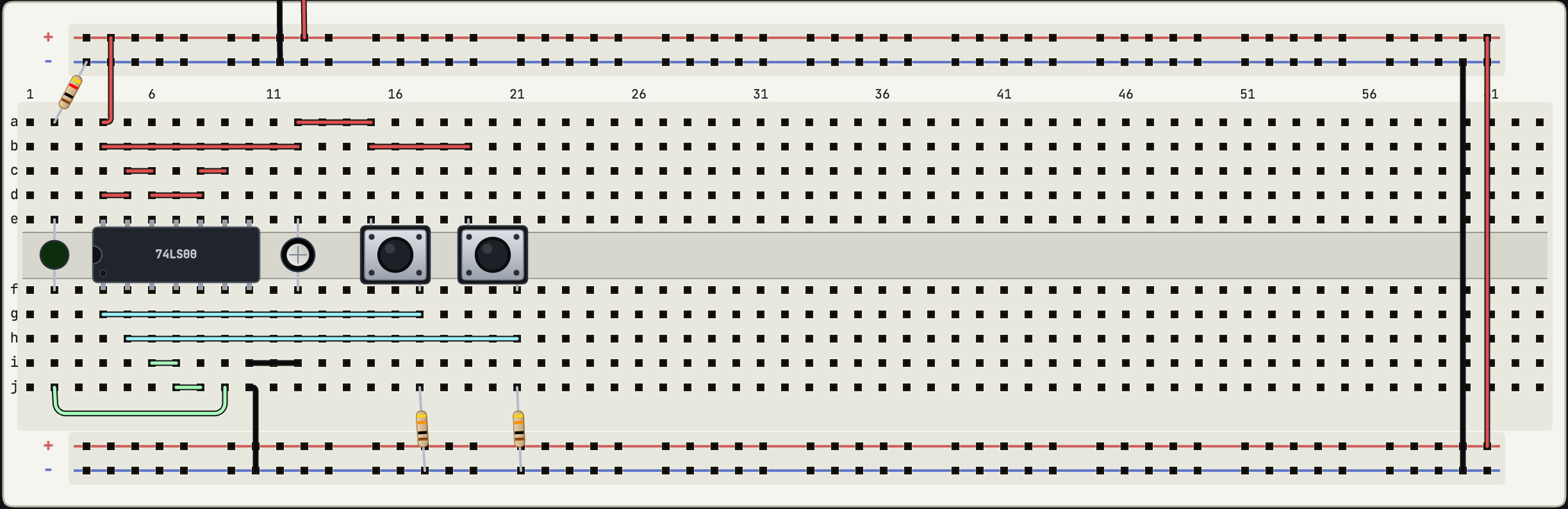
This is the de:volt breadboard simulator. See a 555 clock driving a counter. Flip the switch to manual mode, then tap the button to step it one tick at a time.
Open your own online breadboard simulator in about a second.
How the breadboard simulator works.
Place, wire, and run a circuit in the same flow as a real bench.
Place parts
Pick a 400 or 830-point breadboard. Drop parts onto it. They snap into the holes the way a real part would.
Wire holes
Run jumpers between the holes. Rails and rows connect the same way they do on a real breadboard.
Run live
The circuit starts working as you go. LEDs light up, capacitors charge. You can see if it works before you finish wiring.
Just describe it.
Tell it what you want to build. Watch it come to life.
Just ask
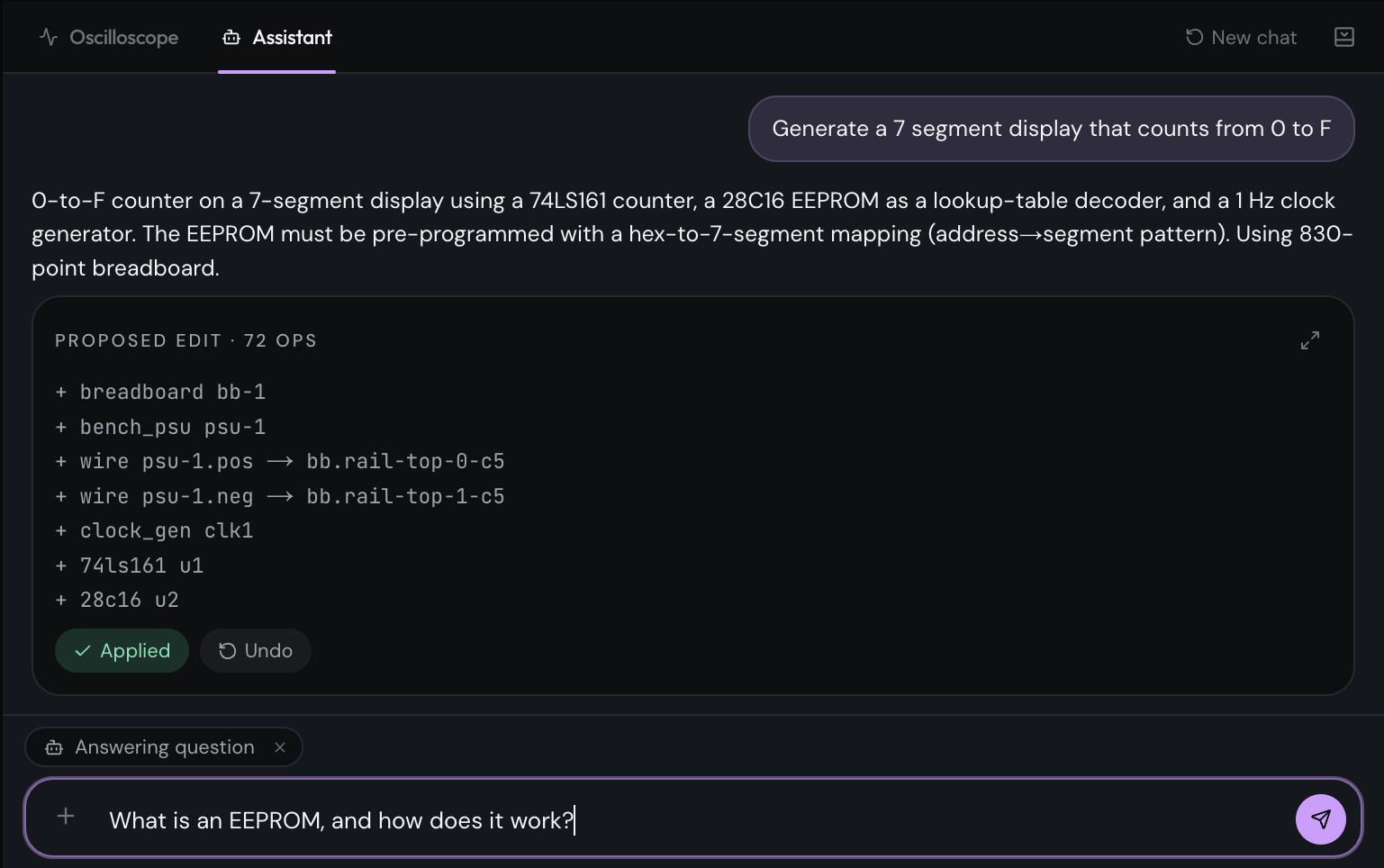
Describe the circuit you want. It picks the parts and wires them up the way you'd do it on a real board.
You decide what lands
Nothing changes until you hit apply. Look over what it wants to do first, and undo if it isn't what you meant.
Knows the parts
Timers, switches, logic chips, an Arduino. The catalog is built around familiar starter parts with practical simulation models.
World is your oyster
Stuck on what a part does, or why something isn't working? Type a question. It answers with your circuit in mind.
And more we add as people ask.
Built for the way you build.
Try things without ordering parts.
Learn what each part is doing before you spend money on a kit.
Sketch ideas fast.
Find the bug on screen instead of at the bench at midnight.
A working bench for every seat.
Hand the class a link. Everyone gets the same starting state.
Prototype the bits you can.
Save the lab time for the parts a simulator cannot reach.
Start free.
When you outgrow Free, Pro is a small monthly fee.
Free
Enough to learn, build and save a handful of projects.
- Live simulation
- Every part in the catalog
- 3 cloud-saved projects
- 30 components per project
- Oscilloscope
ProAI
For the days you need more space and a hand from the assistant.
Renews monthly until cancelled. Taxes may apply. Refunds are handled under the terms and any non-excludable consumer rights.
- Everything in Free
- Unlimited cloud saves
- Unlimited components per project
- AI assistant for drafts and fixes
- Access to de:volt Learn
- Priority for new parts
de:volt for Education
Schools & UniversitiesPer-seat annual pricing for classrooms and labs. Includes de:volt Learn, managed accounts, and a dedicated pilot programme to get your cohort started.
The usual ones.
Open the
Breadboard Simulator.
Pick a part. Drop it on a breadboard. The rest will make sense from there.